GPU DESHROUD GUIDE
How to Replace Your GPU Fans With 120mm Fans
GPU fans are small, noisy, proprietary and eventually they die.
The heatsink underneath them? Usually perfectly fine.
A GPU deshroud removes the factory shroud and fans while keeping the original heatsink, then replaces those fans with standard PC fans — usually 120mm fans.
I've deshrouded a bunch of graphics cards while testing GPU cooling on TrashBench. The annoying part has always been mounting the fans.
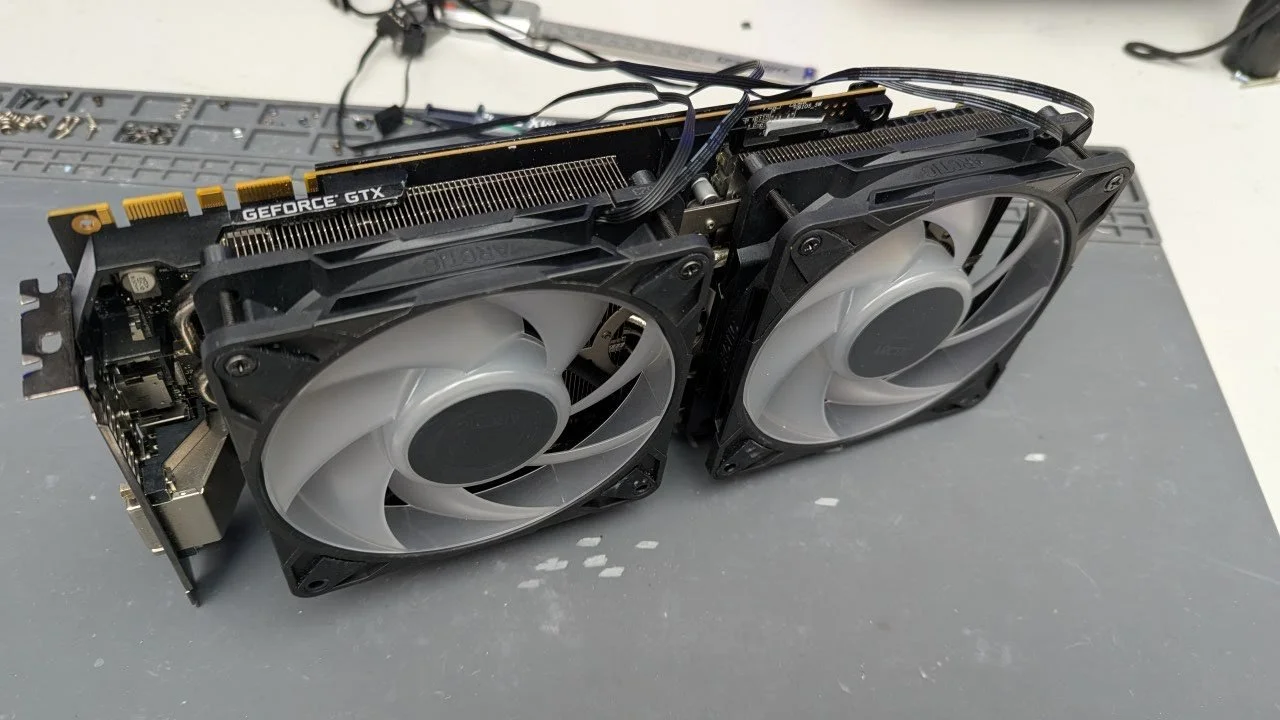
Factory GPU fans are small, proprietary and difficult to replace when they fail. Deshrouding lets you keep the original heatsink and replace those fans with standard PC fans.
That can mean lower temperatures, less noise and much easier fan replacement. It also gives you more freedom to experiment with airflow and cooling.
WHY DESHROUD A GPU?
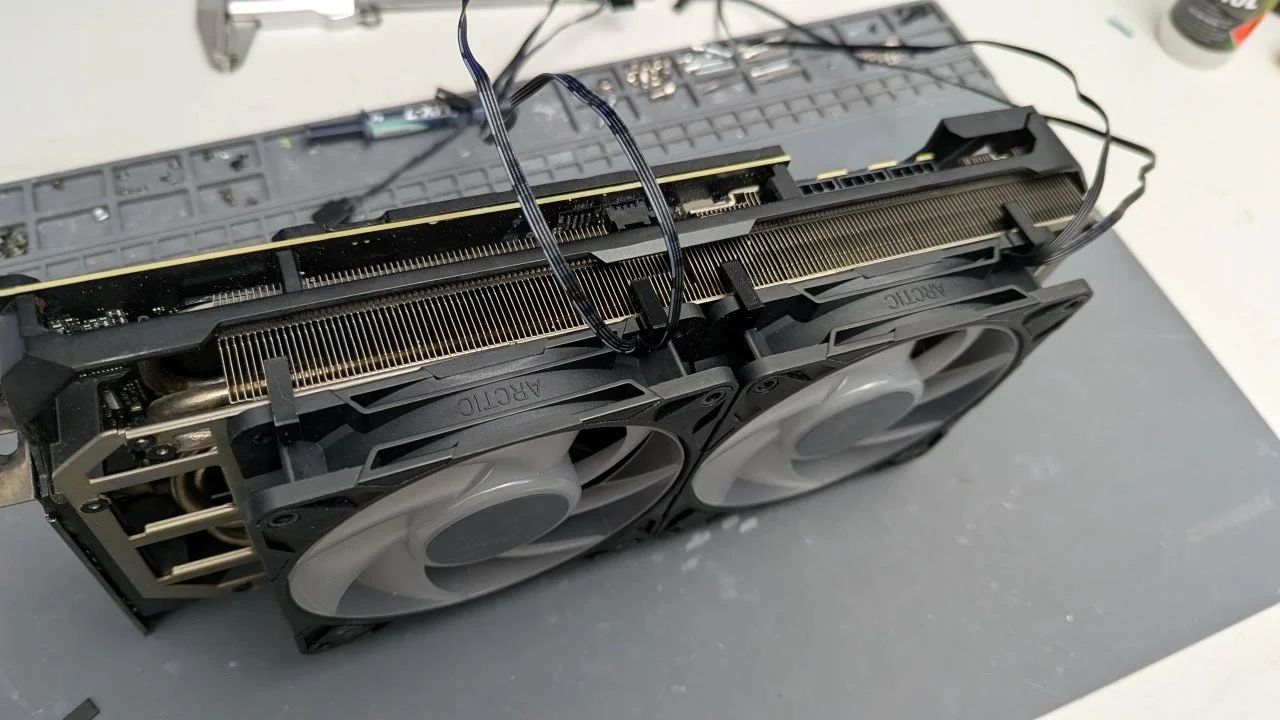
HOW DO YOU MOUNT 120MM FANS TO A GPU?
Zip ties work. I've used them. Thousands of people have used them.
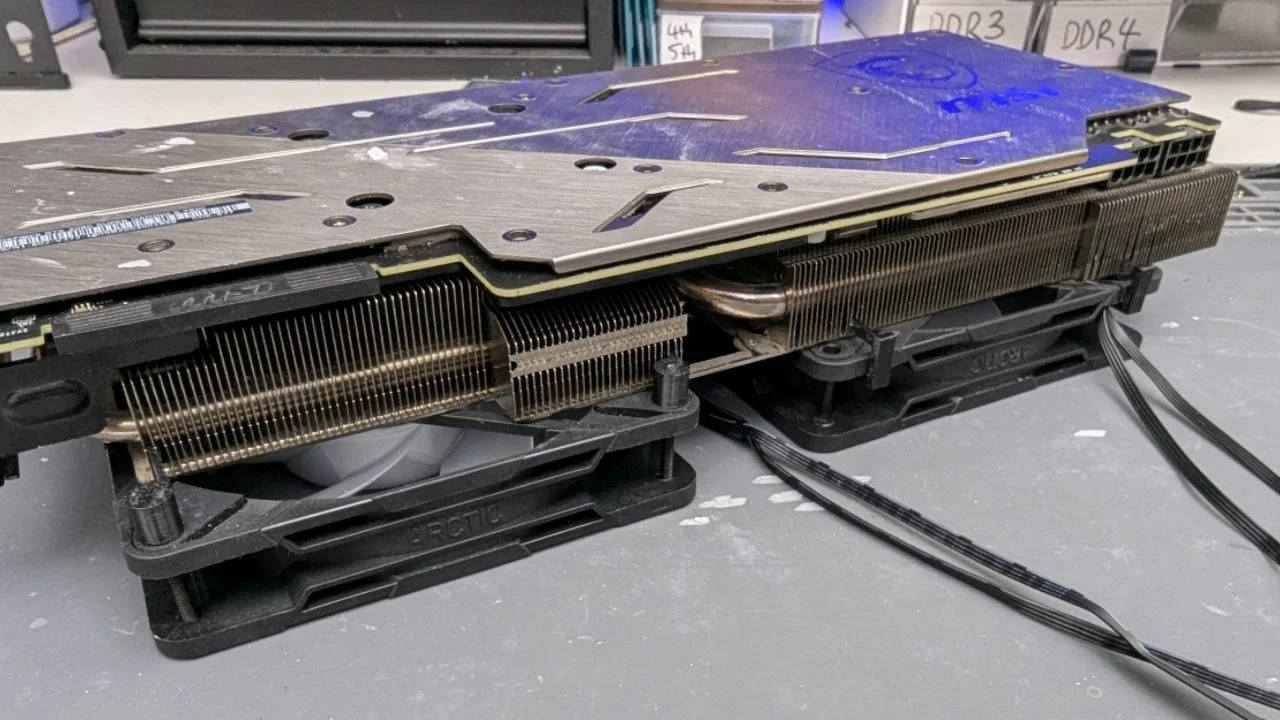
But they're awkward to position neatly, which is why I made GPU deshroud clips that attach directly to the heatsink fins and use the standard mounting holes in a 120mm fan.
The clips are available for 1.3mm and 1.5mm fin spacing, with multiple clip styles included to work around different heatsinks and heatpipes.
WILL IT FIT MY GPU?
GPU heatsinks aren't standardized, so compatibility depends on the heatsink rather than the GPU itself.
I've tested the clips on the GTX 1080 Ti, RTX 2080 Super, RTX 3060 Gaming OC, RTX 3080, RTX 3080 Strix and RTX 4060 ProArt.
Quick size check: if a standard credit or bank card slides between the heatsink fins, use the 1.5mm clips. If it doesn't, use the 1.3mm clips.